
All Guides
Getting Started with Mirror
Beginner
Sign in, choose your access path, and run your first AI-powered research session, all in under five minutes.
Your First 5 Steps
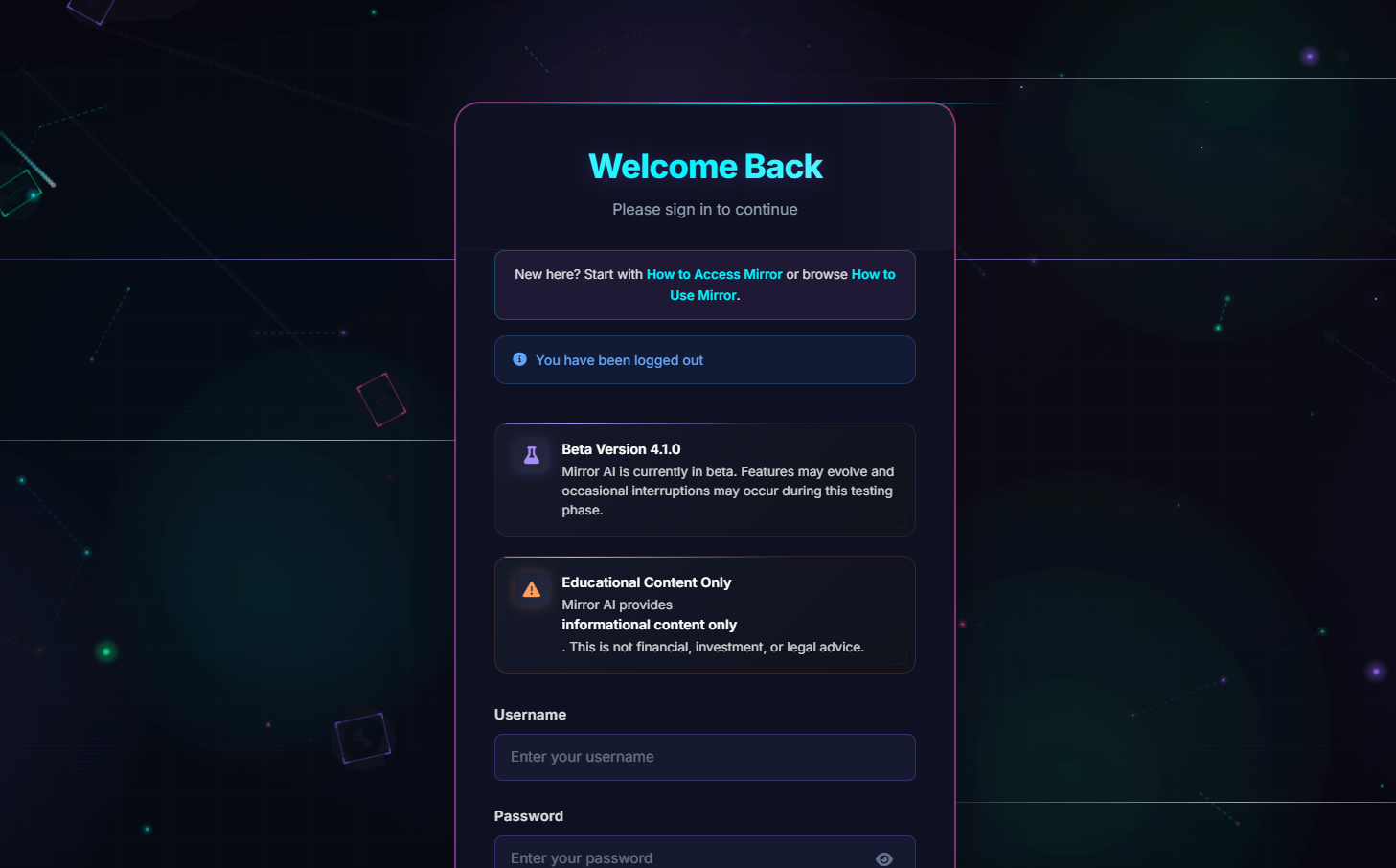
- 1 Open Sign In and choose email/password or wallet connect.
- 2 If new, complete access via How to Access Mirror.
- 3 After login, enter the workspace and start with one focused question.
- 4 Use follow-up questions to refine scope, timeframe, and risk assumptions.
- 5 Save useful outputs into documents for future reuse.
Regional Tip
Include your jurisdiction in prompts (for example Australia, Singapore, UK, EU, US) to get compliance-aware analysis and clearer assumptions.