
All Guides
Workspace Overview
Intermediate
Dashboard, chat, documents, and publishing: everything you need to navigate the Mirror workspace efficiently.
Core Areas
- Dashboard: quick orientation and status.
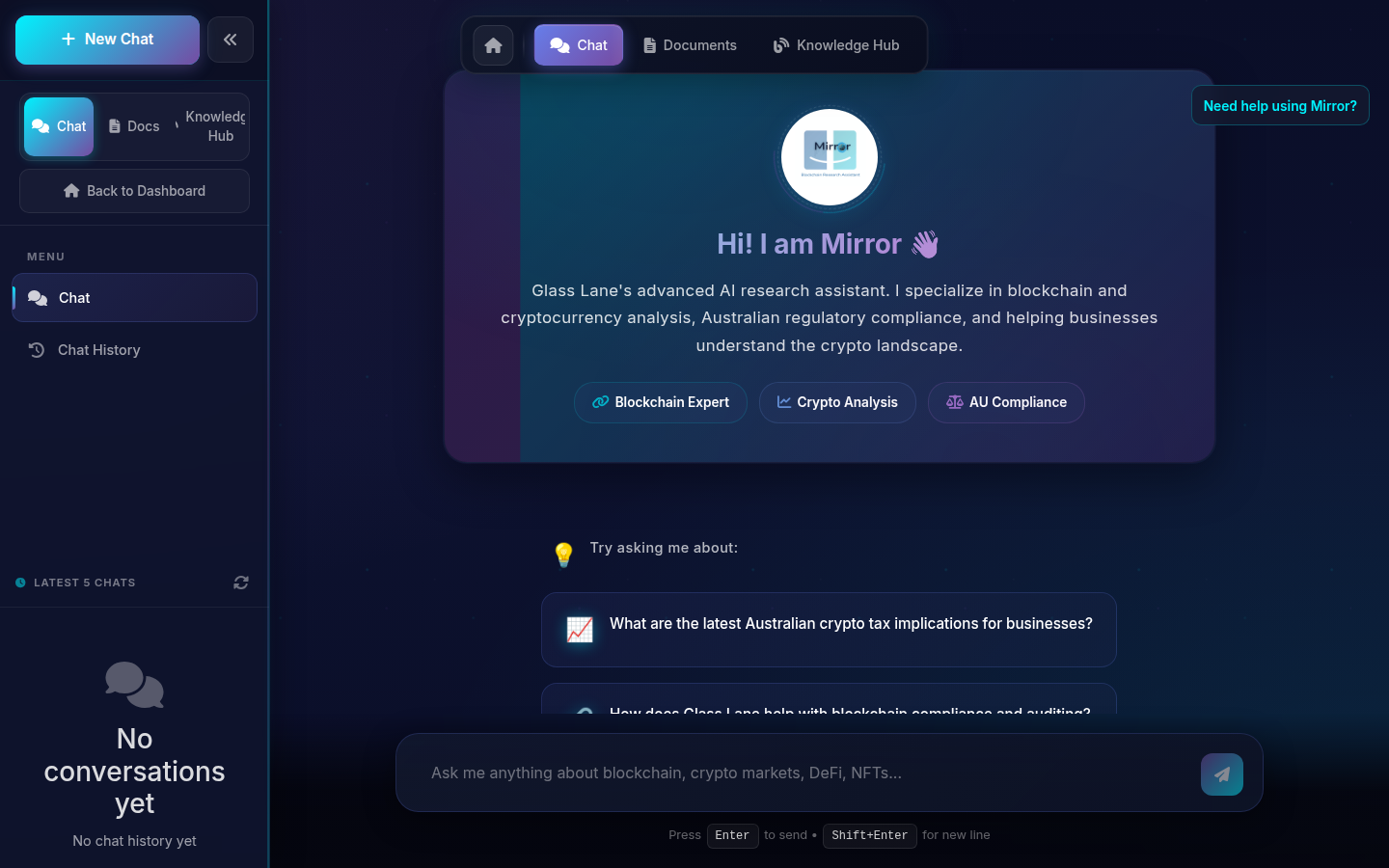
- Chat: run research conversations and iterate fast with clarifying follow-ups.
- Documents: generate content-rich drafts directly from prompts, then edit and save outputs.
- Blog (admin): publish or prepare content workflows.
What to Expect from Document Writer
- Prompt-driven long-form output (reports, briefs, explainers, and structured analysis).
- Better quality when you provide audience, goal, tone, and region-specific context.
- You can iterate: ask for expansions, executive summaries, or compliance-focused rewrites.
Recommended Flow
- 1 Define one concrete goal for the session.
- 2 Use Chat to collect analysis and alternatives.
- 3 Move validated insights into Documents.
- 4 Export/share only after reviewing assumptions and risks.
Geo Workflow Tip
For market updates, include timezone and region context (AEST, CET, GMT, EST, GST) to align outputs with your operating hours.